@ahmadafif.tech
غيّر زاوية تصوير أي صورة
بالذكاء الاصطناعي
ولّد زوايا تصوير جديدة لأي صورة مع الحفاظ على نفس الشخص ونفس التفاصيل. المفتاح جملة وحدة بتلصقها مع الـ prompt تبعك.
ولّد زوايا تصوير جديدة لأي صورة مع الحفاظ على نفس الشخص ونفس التفاصيل. المفتاح جملة وحدة بتلصقها مع الـ prompt تبعك.
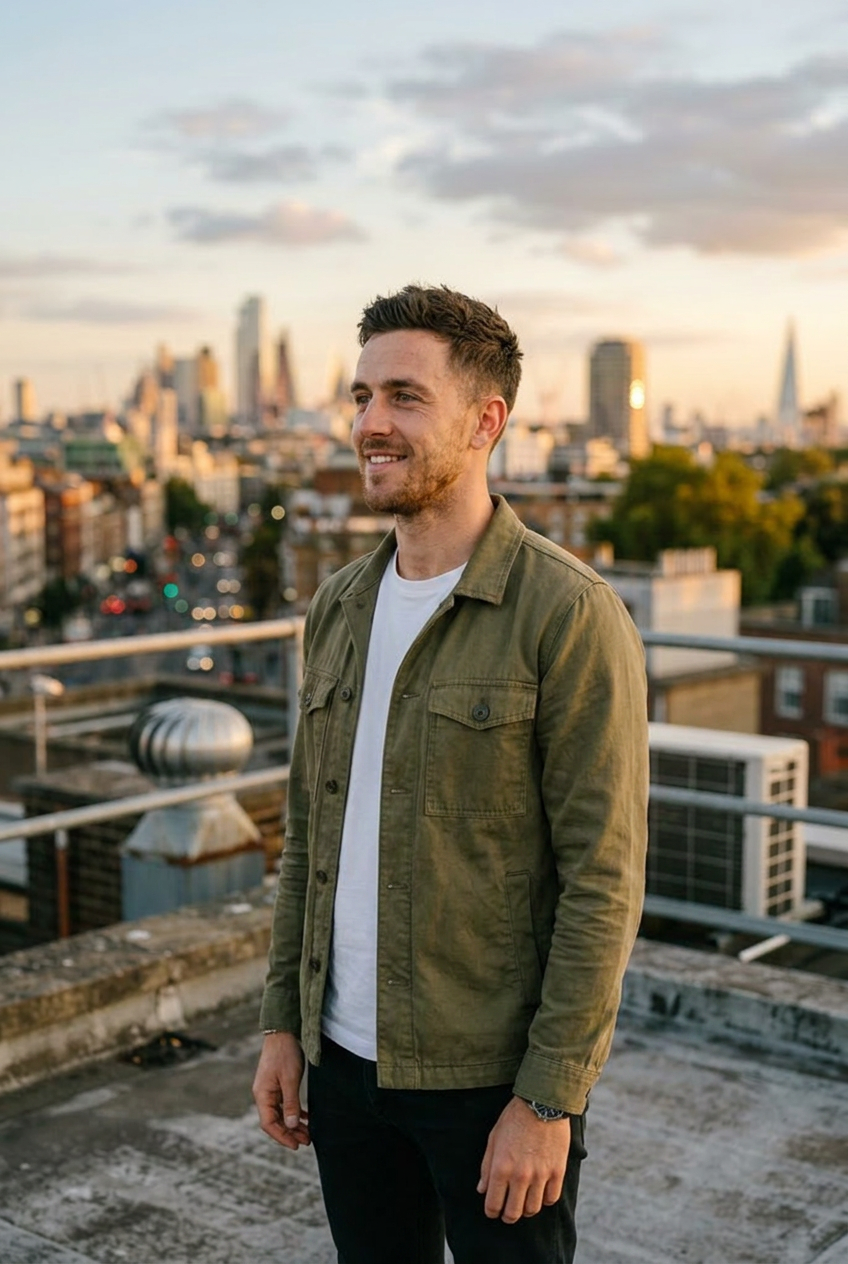
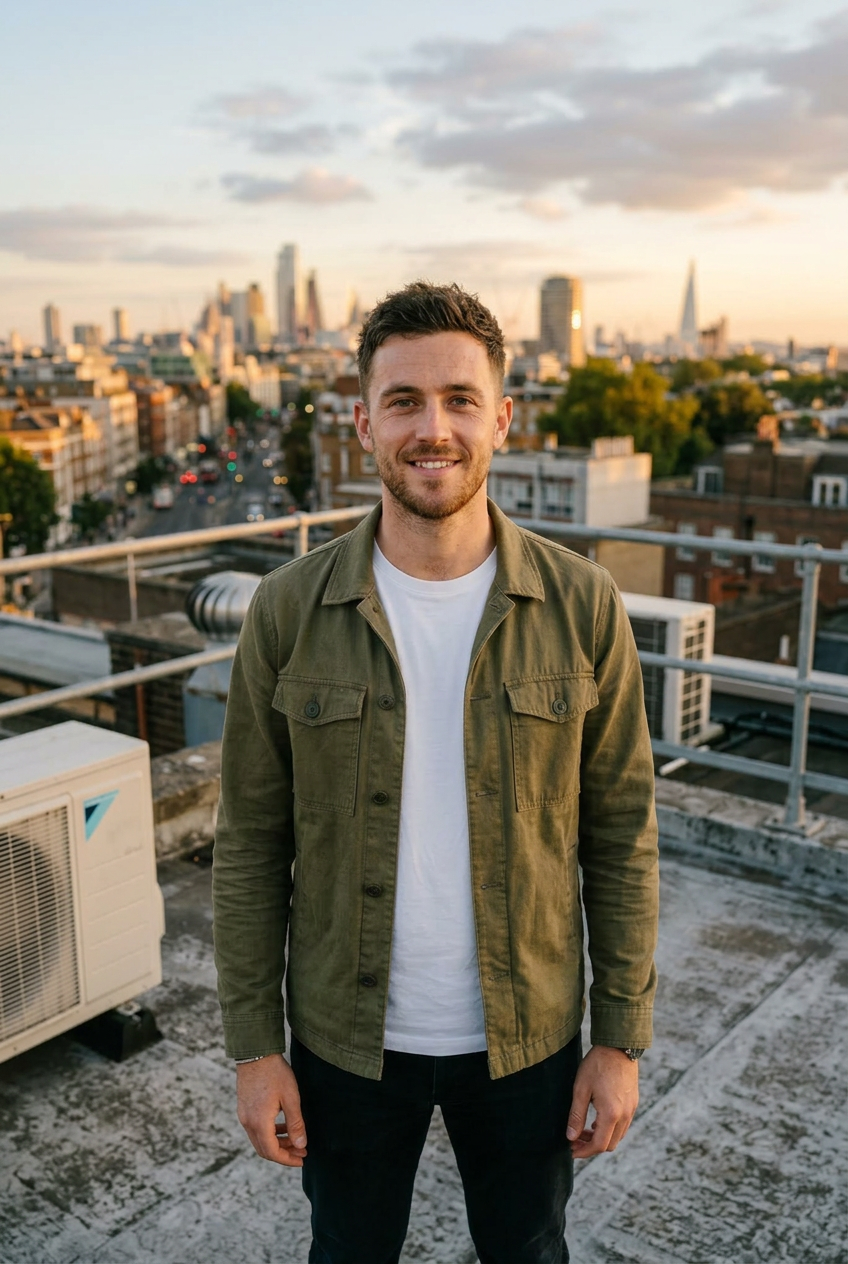
Generate this exact photo from a new camera angle: a side profile view. Keep the same scene and the same person.
Treat this strictly as a camera move, not a new image. Imagine the exact moment in the reference photo is frozen in 3D space, and only the camera moves to the new angle requested above, as if it orbits around a completely still subject and scene. Keep the exact same person: identical face, facial features, skin tone, hair, body shape, and clothing. Keep the exact same pose, body position, hands, and facial expression. The person must stay in the exact same spot and orientation relative to the environment, the background, and every object around them, standing or sitting in the identical position within the scene. Do not re-pose, rotate, shift, or move the person, and do not turn them into a different person. Keep the entire environment, background, objects, colors, and lighting exactly as in the original, each in its original position. Only the camera viewpoint changes. Nothing inside the scene moves.